


The month ends without a clear picture
You can remember the income, but a few balances and receipts do not explain the whole month.

trackdaily
Couldn't load pickup availability
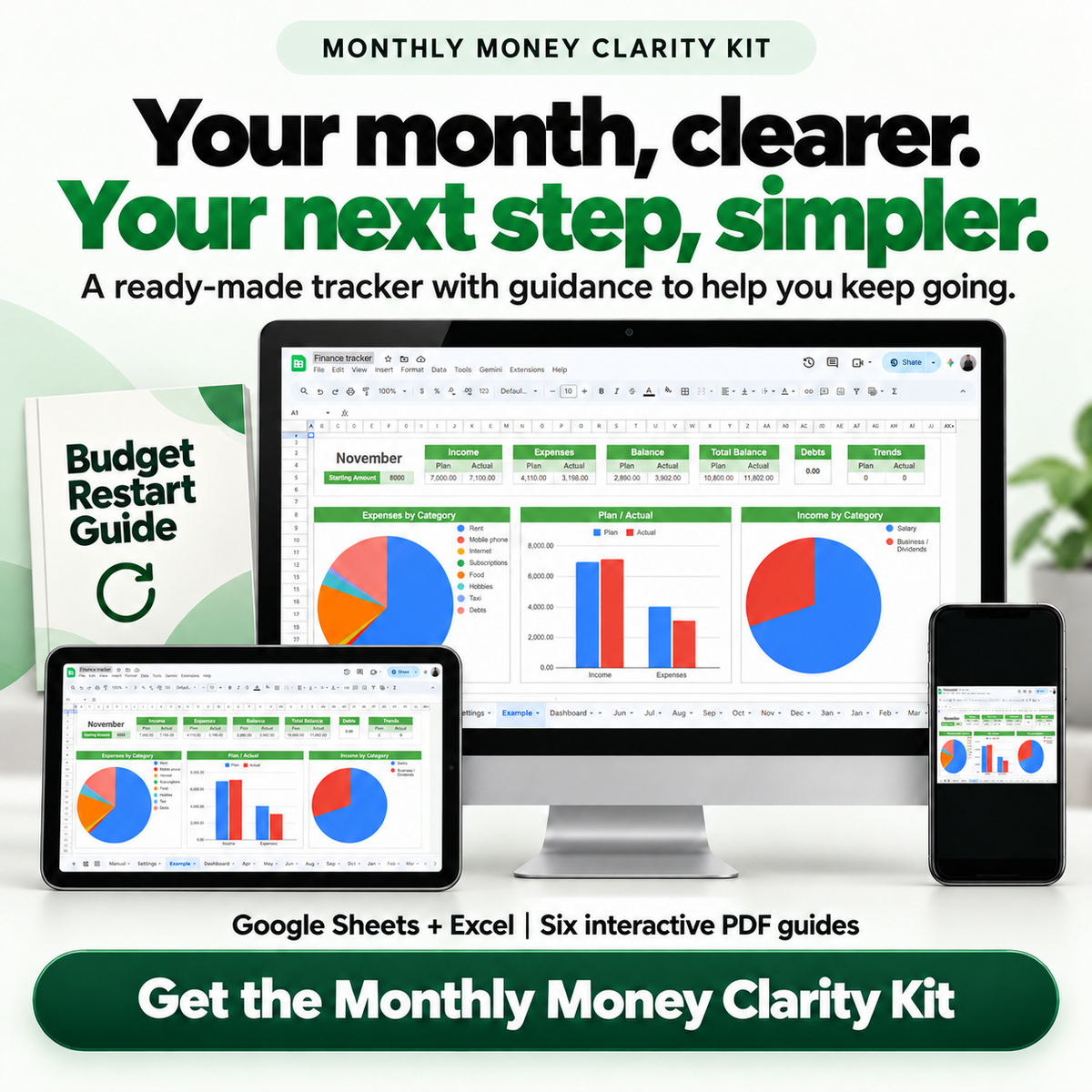
Bring your recorded income, spending and budget differences into one monthly view. Start with a ready-made Finance Tracker for Google Sheets or Excel, with six interactive PDF guides to help you begin, keep a routine and review what matters.
You can remember the income, but a few balances and receipts do not explain the whole month.
Without a category view, it is harder to see which everyday expenses deserve a closer look.
A budget is only part of the picture. You also need to see how recorded spending compares with it.
Account histories, receipts and notes each hold part of the story, making a monthly review harder to start.
An unclear process makes it easier to put off entry and face a larger gap later.
Read your recorded income and expenses in a single monthly view, so separate amounts have context.
Use the category breakdown to identify expenses you want to understand before deciding what to change.
Compare planned and actual amounts to find the parts of the month that need a closer review.
Use the review workbook and action plan to move from a recorded observation to one practical next step.
Choose a workable tracking cadence and use the restart guide when you need to resume.
Use Finance Tracker to record personal or household finances and read monthly comparisons. Choose Google Sheets or Excel, then work from the entries you maintain.
Keep transactions in Finance Tracker. Use the included guides for setup, a repeatable recording routine, interpretation and one chosen adjustment.


Receipts, account histories and memory can each hold part of the month. Gather the available sources and enter verified transactions so your review has a clear starting point.

Use the tracker's category and planned-versus-actual views to identify a finding. The Monthly Money Review Workbook helps you separate observations from assumptions and pass one priority into your action plan.

Set a cadence that fits your week. Money Tracking Routine Planner and Budget Restart Guide help you define your next session and a clear point to resume after a gap.
One Finance Tracker supported by six focused English interactive PDFs. Each guide has a separate job, from first use to your next review.
The ready-made spreadsheet at the center of your monthly tracking: record income and spending, read category views and compare planned with actual amounts.
Choose your platform, prepare your working copy and complete the first-entry checks.
Decide when, where and how you will maintain your entries, including a smaller routine for busy days.
Summarize the recorded month, document gaps and choose one review priority.
Define one adjustment, its execution date, an observable measure and a fallback.
Choose a realistic catch-up scope, keep missing information visible and resume tracking.
Follow the download, fill, save, reopen and print workflow, with a real practice form.
Bring your personal or household income and spending into a monthly review that reflects the records you maintain.
Choose Google Sheets or Excel and begin with a ready-made tracker instead of designing a workbook from scratch.
Setup, routine, review, action and restart materials connect to the same Finance Tracker.
The process suits someone willing to maintain transactions and return to the information for a monthly review.
You receive Finance Tracker for Google Sheets and Excel plus six English interactive PDFs covering setup, PDF use, a tracking routine, monthly review, one spending adjustment and restarting after a gap.
Finance Tracker Quick Start Guide helps you choose a platform, prepare a working copy and complete first-entry checks. You will still need basic file and spreadsheet use and a willingness to record your transactions.
Yes. Google Sheets and Excel are the two platforms for this Finance Tracker. Compatibility with every software version is not promised; check your chosen program and the supplied file instructions before use.
You enter your transactions in the tracker. Automatic bank syncing is not included.
Yes. The kit is intended for personal or household money tracking. Use consistent dates, categories and source information when reviewing the records.
Budget Restart Guide helps you choose a restart point, decide what can realistically be recovered and keep remaining gaps clear. Money Tracking Routine Planner helps you choose a workable next session.
The balance reflects recorded information. Missing transactions, pending items and future commitments can change what that figure means. Keep those limits visible when reviewing it.
How to Use Your Interactive PDFs walks through opening a local copy, filling fields, saving a new copy, reopening it to check the entries and printing. Use a PDF reader that supports fillable forms.
Start with Finance Tracker and use the included guides to build your routine, understand the recorded month and choose your next step.
See purchase options


Three simple steps to start making progress.
Get instant access.
Log what matters.
See your progress clearly.
Your goal isn't to build the perfect tracker. It's to get clearer, stay consistent, and move forward.